This guide is for those who need fast VPN on their phone without long rituals. We will focus on privacy, speed and stability - exactly what is important for work and personal data on mobile networks.
What you need
- Current client (for example, Hiddify or a compatible sing-box/Xray client - use the recommendations from your instructions after payment).
- HiddifySales subscription: instant delivery of keys after payment in HiddifySales tariffs.
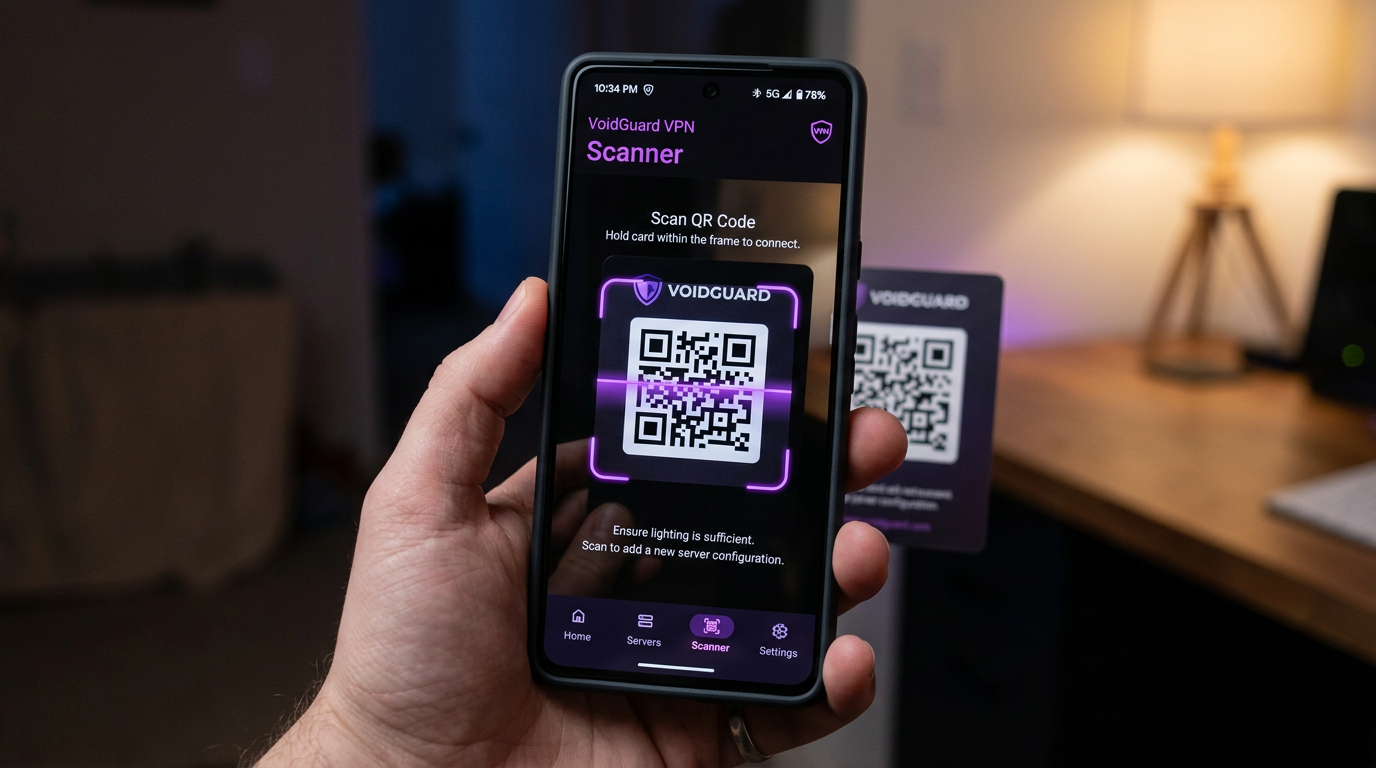
- Access to QR from your personal account or message with a subscription.
Steps in ~2 minutes
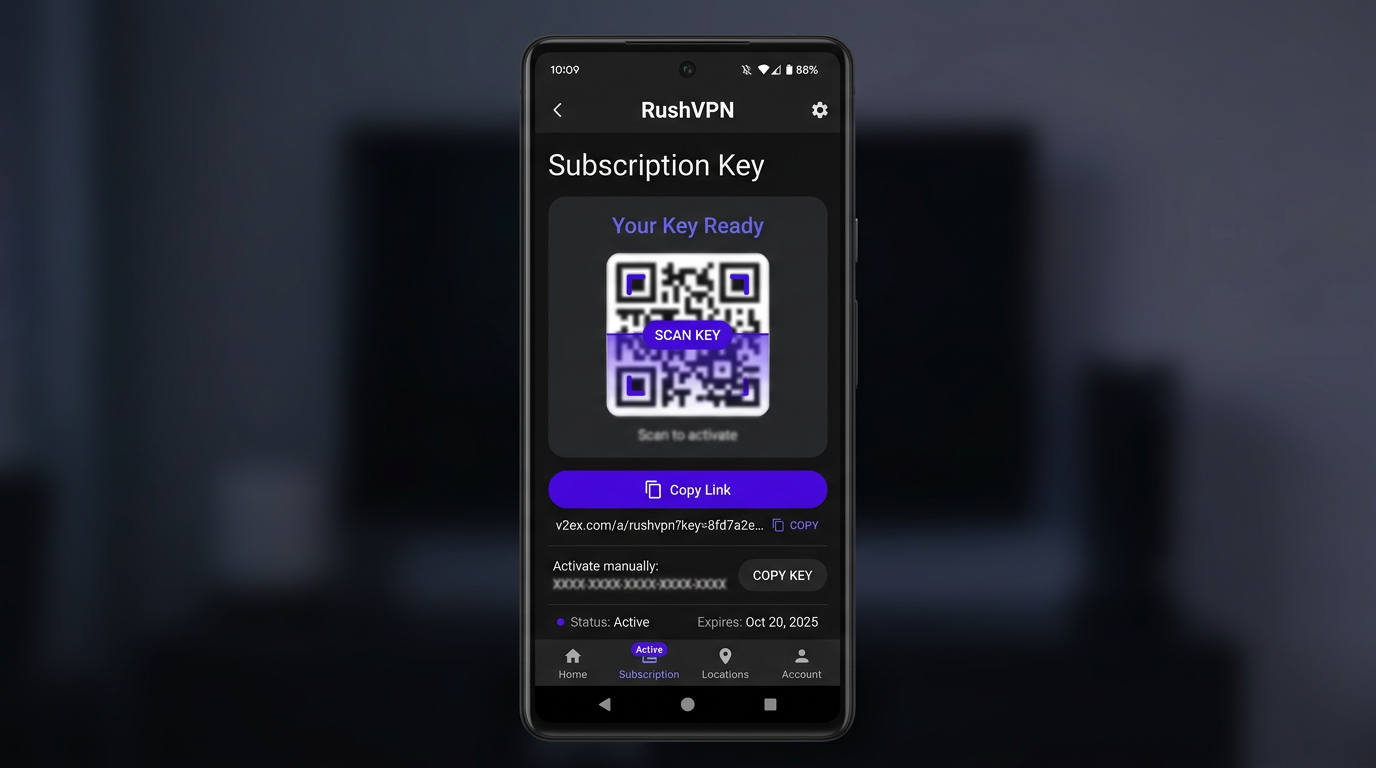
- Pay the tariff and open the key/subscription page.
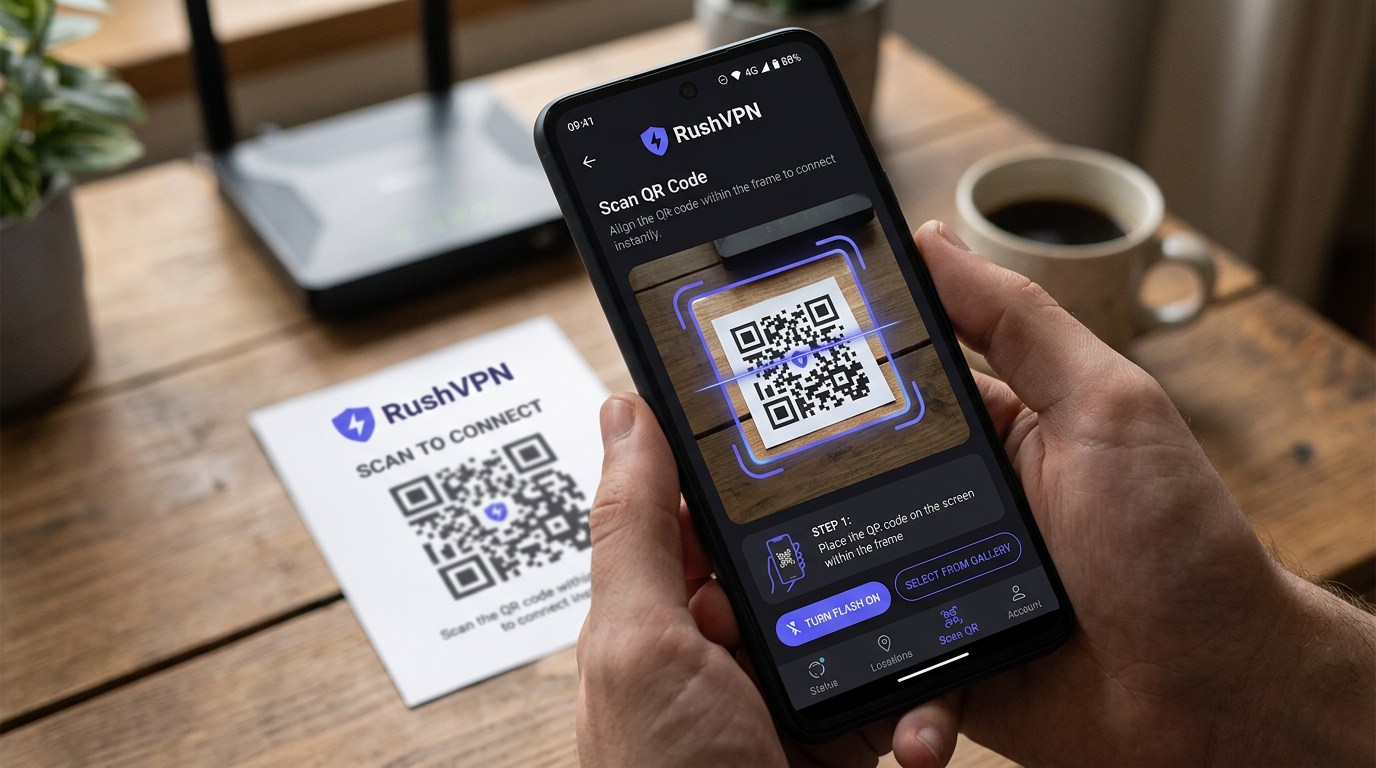
- In the application, select import via QR and point the camera at the code.
-
Wait for the profile to load; If necessary, update your subscription in the application (pull-to-refresh).
-
Select a node with lowest ping and a profile with Hysteria 2 or Reality - for guidelines, see VPN for Russia and protocols 2026.
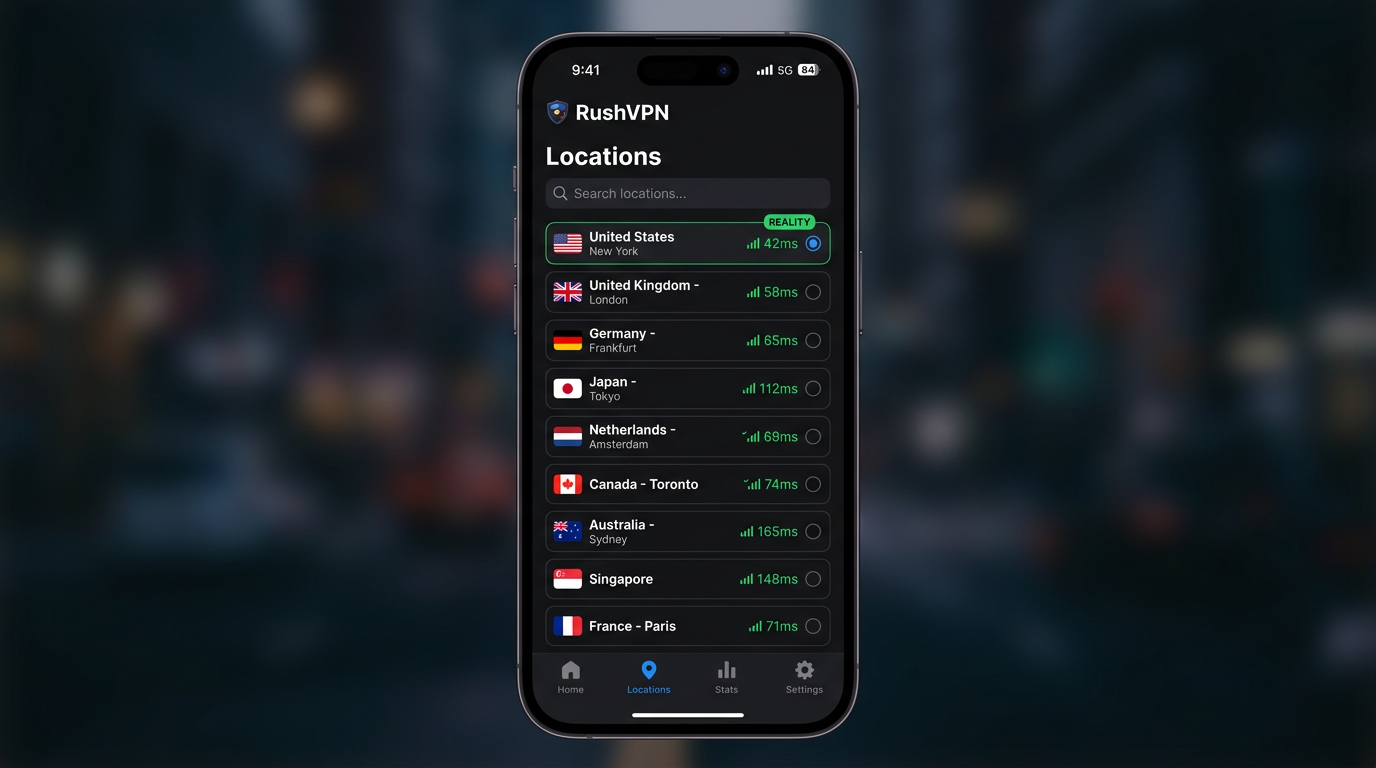
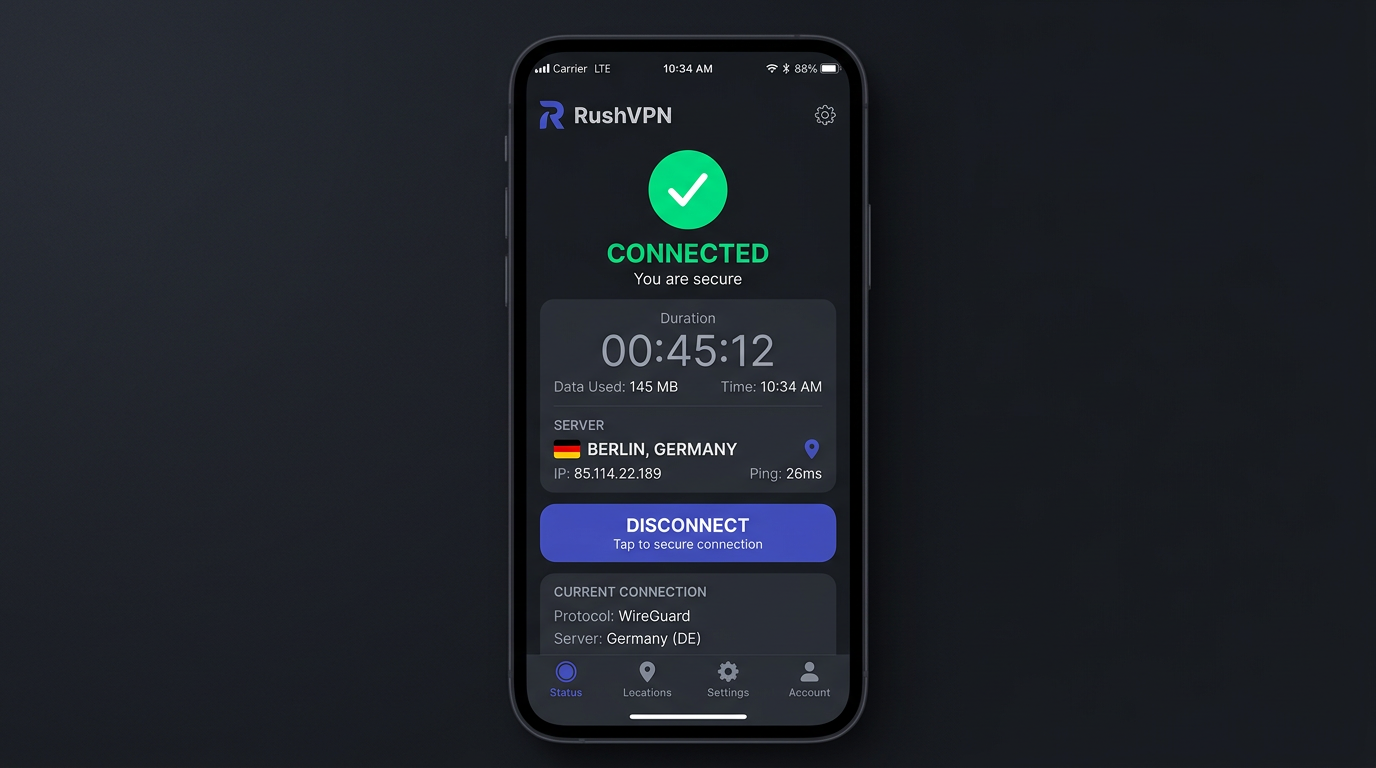
- Connect and check stability: simple ping or built-in client test.
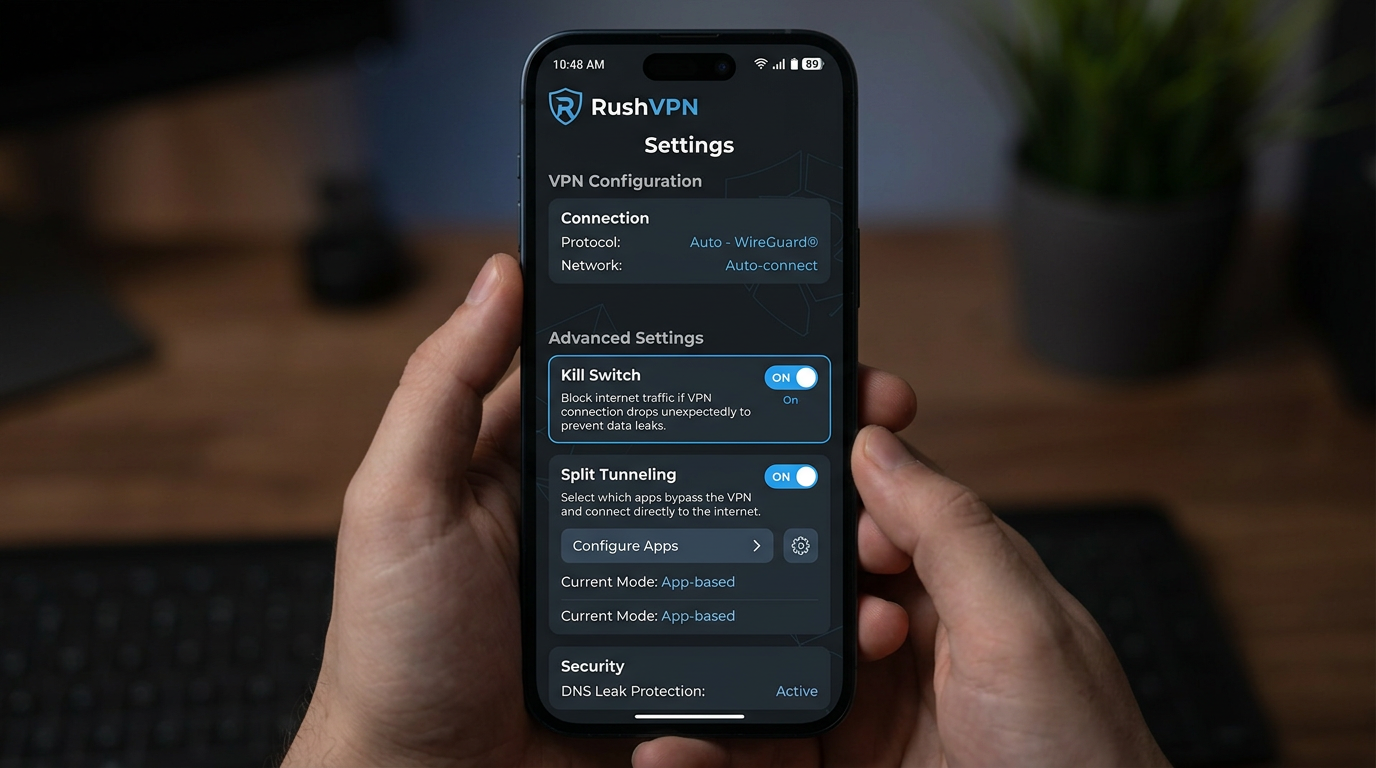
- Add the application to power saving exceptions so that the tunnel does not go to sleep.
- If you have problems with speed, open why VPN is slow and how to speed it up.
Tips for vpn for android in 2026
- Update the client every 2-4 weeks.
- Keep a backup profile or the second closest node.
- If LTE “jumps”, Hysteria 2 often helps.
For PC, see HiddifySales on Windows 11, for iPhone - HiddifySales on iOS and iPad.
<!-- BLOG_TAIL -->What should be visible at every step
- After payment, you should see a screen with a key and QR.
- An imported profile with a clear node name should appear in the client.
- After the first connection, it is important to see the ping and subscription update status.
- In the Android settings, the client should be excluded from energy saving.
Where settings on Android most often break down
- The user scans the old QR from the browser cache.
- The client has been imported, but the list of nodes has not been updated.
- The system turns off the application in the background via battery optimization.
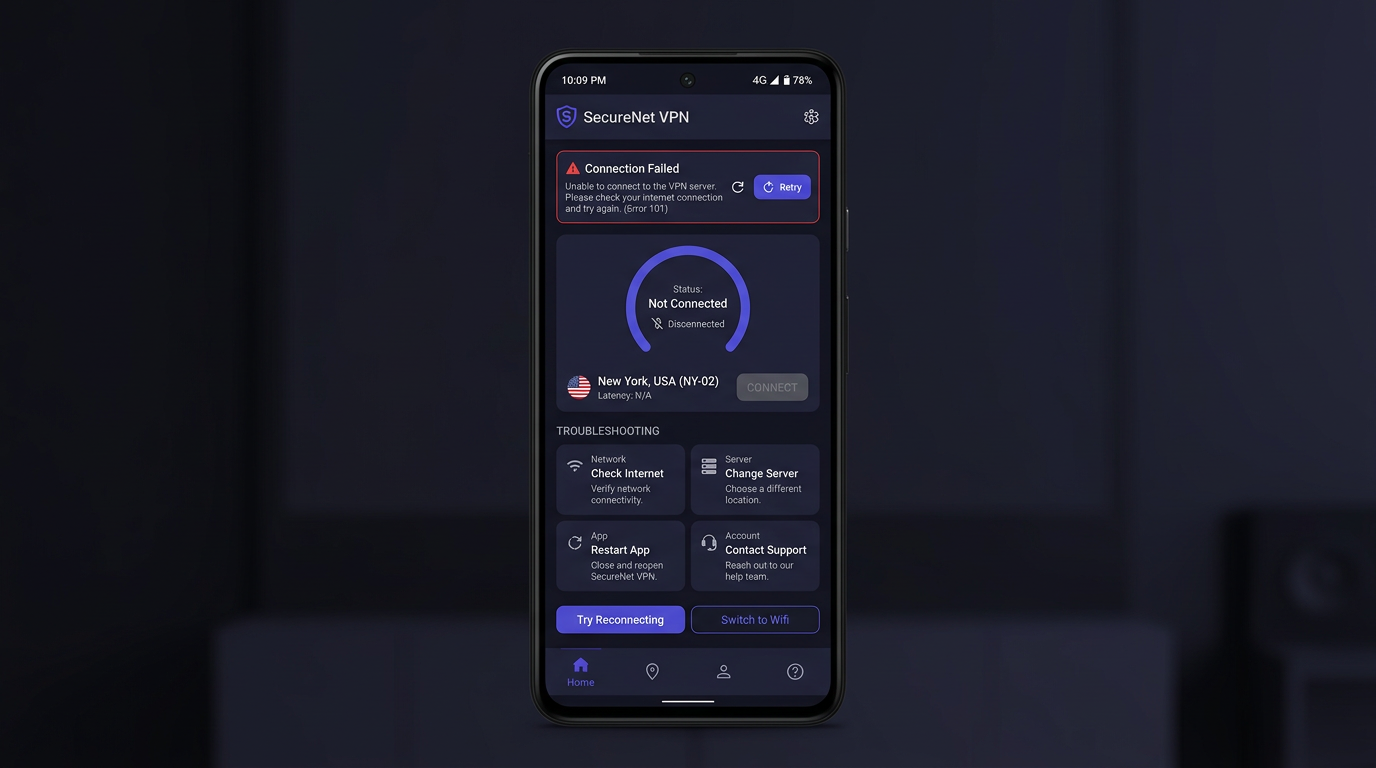
If, after connecting, the connection “is there, but everything is slow,” first compare the other node and only then dig into the DNS/MTU.
[Image: 2026 VPN checklist infographic—privacy, speed, protocol transparency, support, price—dark neutral icons.]
[Image: tunnel diagram device → encrypted hop → server, data-protection focus.]
[Image: modern VPN client UI mock—ping row and profile picker.]
[Image: flat chart latency vs stability for blog.]
[Image: phone showing QR next to laptop—fast onboarding.]
[Image: diagram setting up HiddifySales on Android—HiddifySales minimalist corporate palette.]
[Image: 24/7 support block—chat icon.]
[Image: Reality & Hysteria 2 pictograms in a row.]
[Image: Android, Windows, iOS, router collage—consistent colors.]
[Image: mid-article CTA banner “get a key in minutes”.]
[Image: DNS/MTU settings in generic client—no PII.]
[Image: abstract waves “speed & stability” background.]
Conclusion
Want a fast, private VPN today? Open HiddifySales pricing and you can get a working key moments after checkout. If a short trial appears in the current plan list, you can validate speed and stability on your devices calmly.
Read next: VPN protocols in 2026: Reality & Hysteria 2, VPN pricing in 2026, HiddifySales on Android with QR.