Router VPN is convenient when you need to cover your entire home Wi-Fi with a single encrypted channel: smart TVs, consoles, guests - without installing a client on each device. The price of the issue is router CPU and adequate firmware.
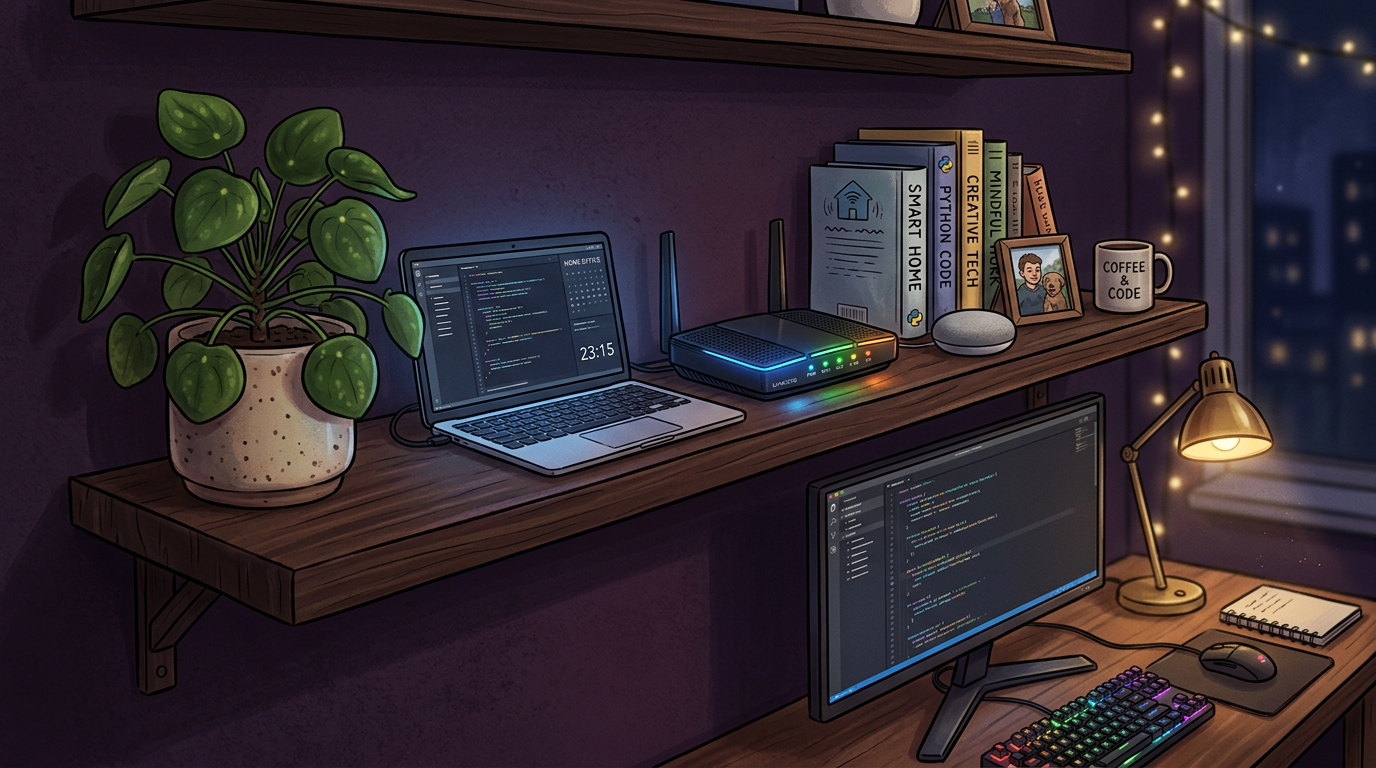
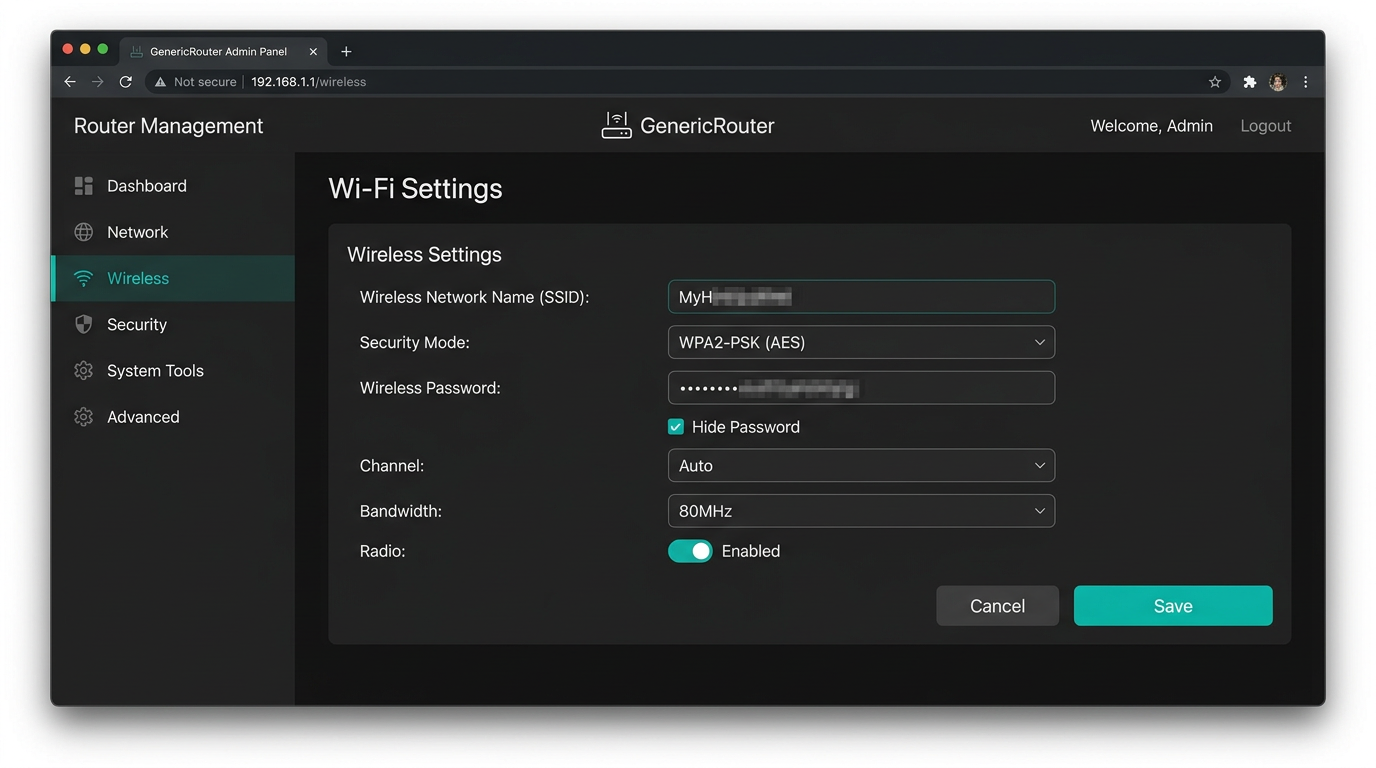
First, go to the router’s web interface using the local address from the sticker or instructions.
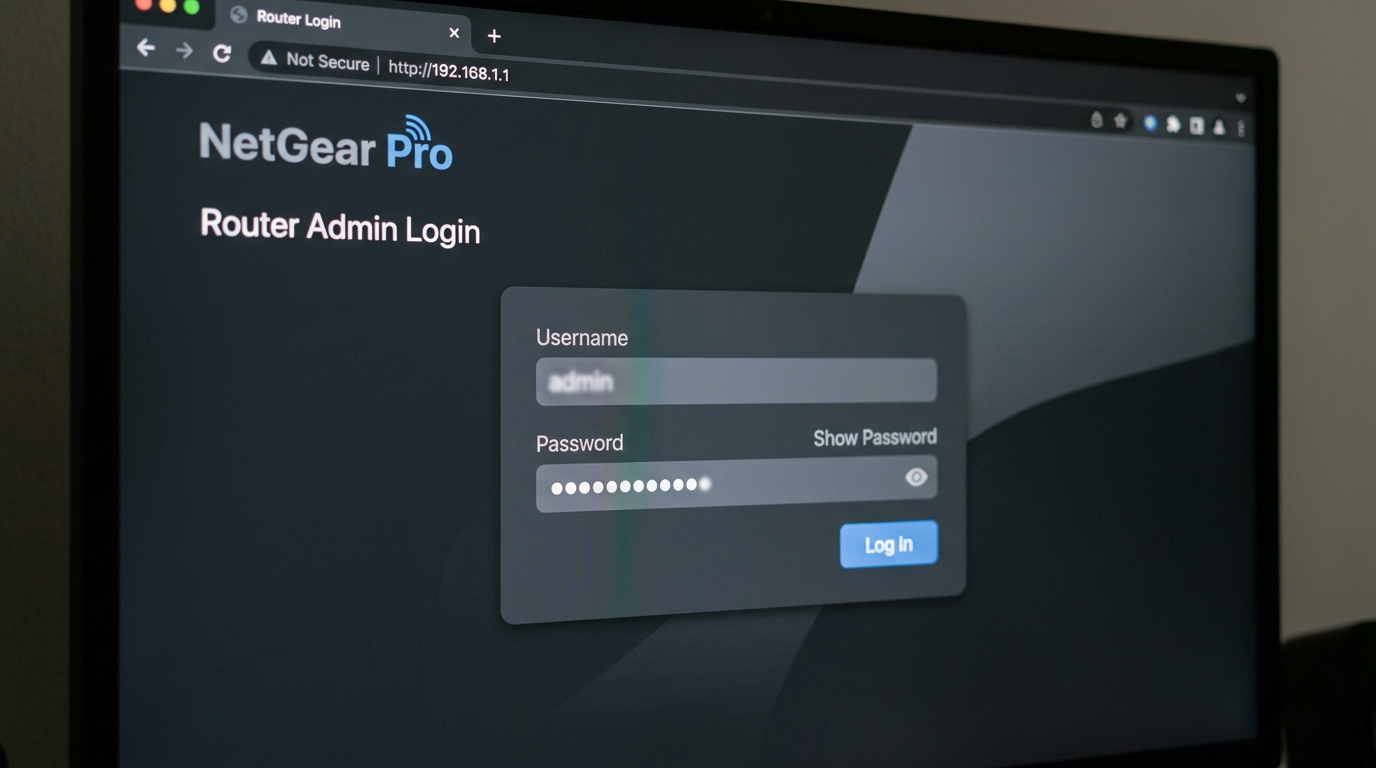
TP-Link
If the factory firmware does not support your vehicle, consider supported open-source firmware only if you are ready for the risks and know recovery. Otherwise, use the modes supported by the manufacturer. Import settings from your HiddifySales profile or set them manually according to the instructions.
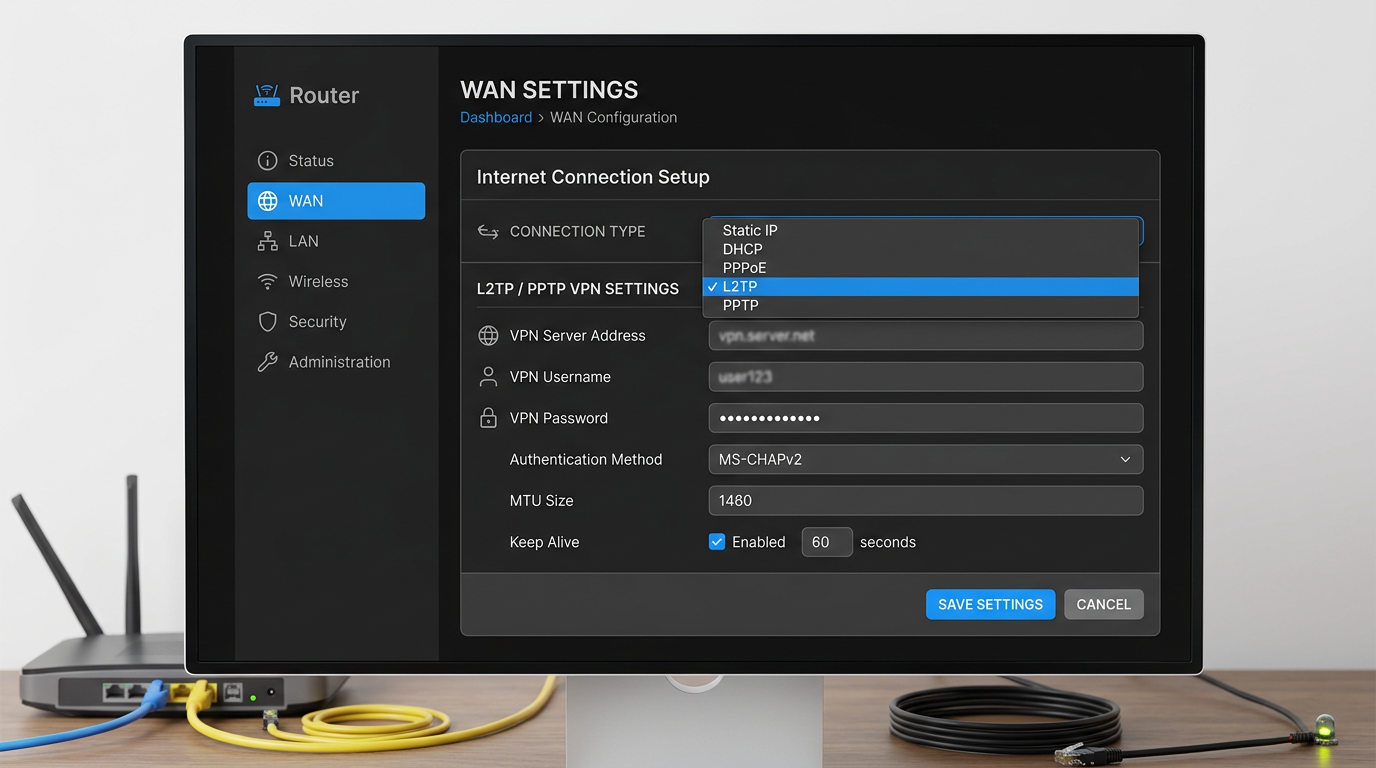
Keenetic
The strength is flexible routing scenarios and individual profiles. It is useful to remove the guest network without a VPN. Check CPU load when encryption is enabled.
Asus
Merlin models sometimes give more control, but again: without experience, do not experiment on a combat router. For stability, choose the nearest node and protocol with an acceptable load - often a combination of VPN for Russia and protocols 2026.
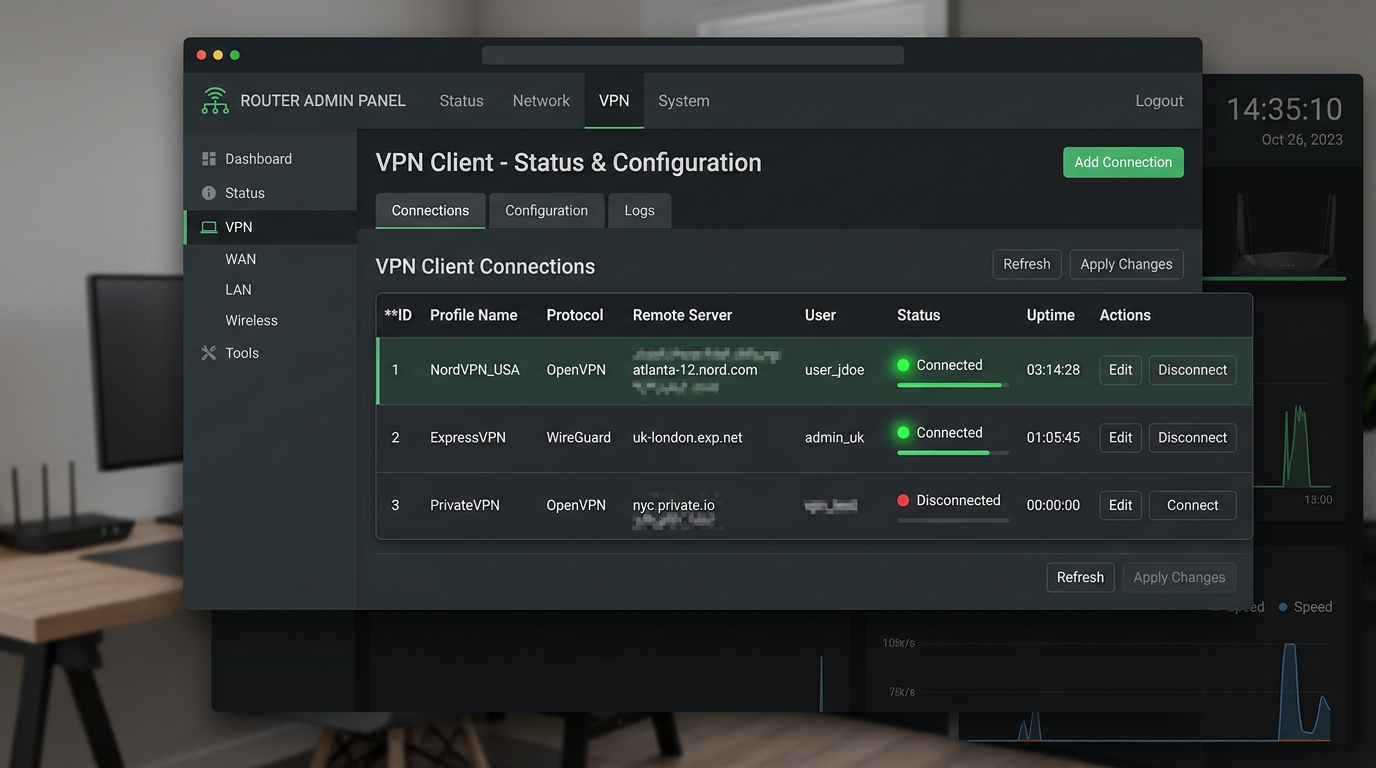
After setup
Measure the speed on Ethernet and Wi‑Fi separately. The bottleneck is often the radio channel, not HiddifySales. 24/7 support will help with profile diagnostics.
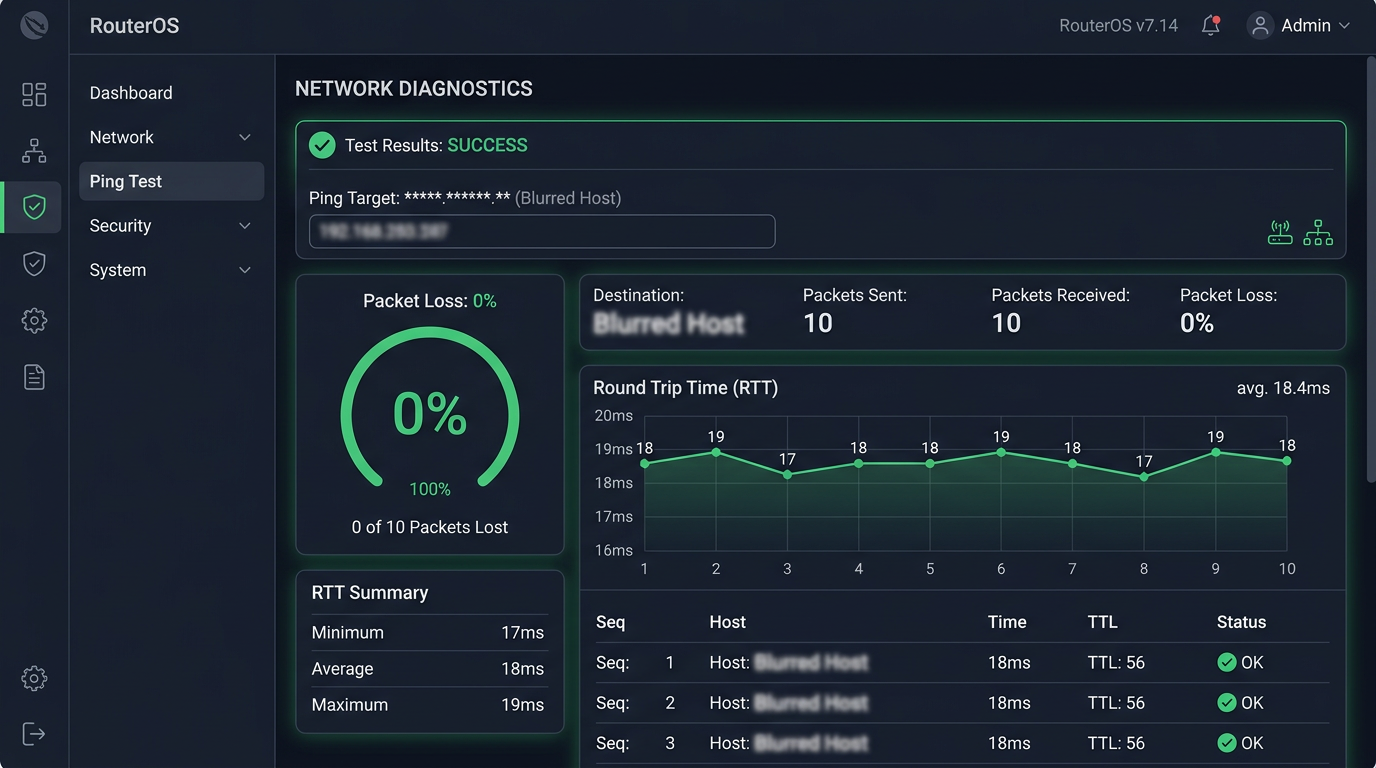
In the diagnostics section, check the ping to the external host - this will make it easier to separate the problems of the radio channel from the tunnel.
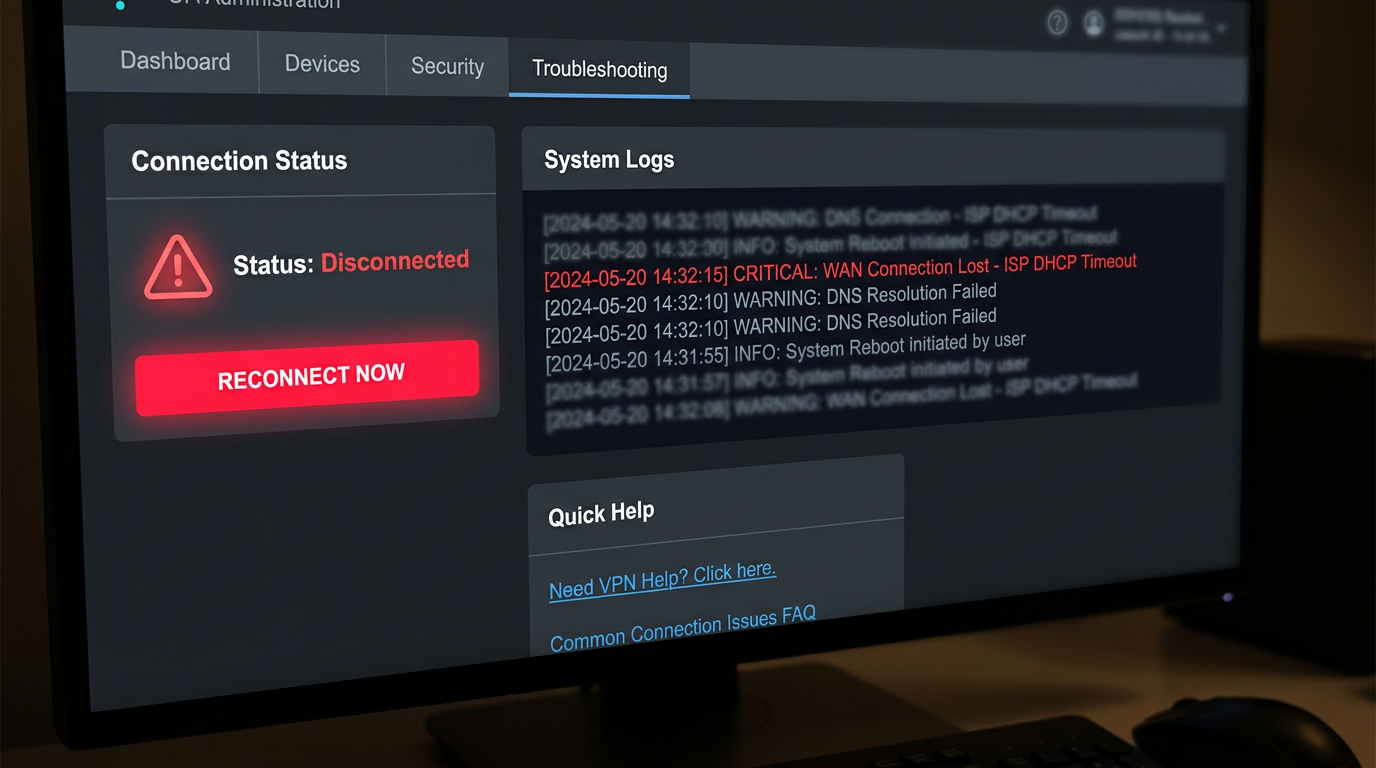
If the tunnel does not go up, look at the VPN event log in the router panel and check the settings from the HiddifySales instructions.
See also one key for three devices, why VPN is slow and how to speed it up.
<!-- BLOG_TAIL -->Where to look for settings on popular routers
| Platform | What to look for in the interface | What to check before starting |
|---|---|---|
| TP-Link | VPN Client / Policy Routing Section | Is there enough CPU and is there the right routing mode? |
| Keenetic | VPN connections and segment rules | How devices are distributed according to profiles |
| Asus Merlin | VPN Fusion / Policy rules | Doesn't hardware acceleration conflict? |
When is it better not to install a VPN on a router?
- If the router is already running at CPU limit.
- If you only need one phone, and not the whole apartment.
- If the firmware is unstable and you are not ready to restore the config after an unsuccessful update.
The router scenario is good where you want one controlled channel for the entire network, and not deal with a dozen client devices.
[Image: 2026 VPN checklist infographic—privacy, speed, protocol transparency, support, price—dark neutral icons.]
[Image: tunnel diagram device → encrypted hop → server, data-protection focus.]
[Image: modern VPN client UI mock—ping row and profile picker.]
[Image: flat chart latency vs stability for blog.]
[Image: phone showing QR next to laptop—fast onboarding.]
[Image: diagram VPN on your home router—HiddifySales minimalist corporate palette.]
[Image: 24/7 support block—chat icon.]
[Image: Reality & Hysteria 2 pictograms in a row.]
[Image: Android, Windows, iOS, router collage—consistent colors.]
[Image: mid-article CTA banner “get a key in minutes”.]
[Image: DNS/MTU settings in generic client—no PII.]
[Image: abstract waves “speed & stability” background.]
Conclusion
Want a fast, private VPN today? Open HiddifySales pricing and you can get a working key moments after checkout. If a short trial appears in the current plan list, you can validate speed and stability on your devices calmly.
Read next: VPN protocols in 2026: Reality & Hysteria 2, VPN pricing in 2026, HiddifySales on Android with QR.